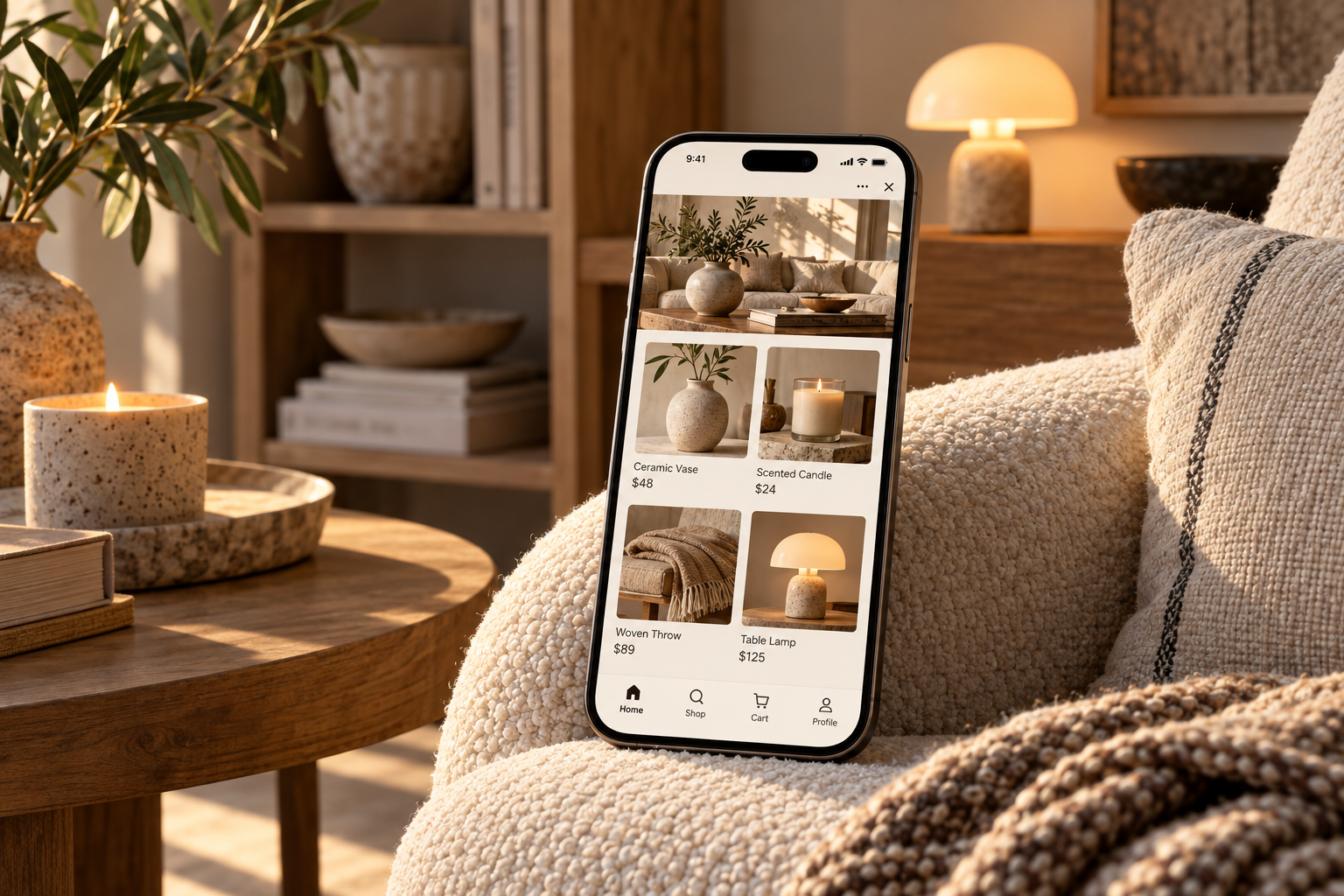
Sell the room, list the object
People buy a vase because of the shelf it will stand on. Lead each category with a photo of a room and keep the product photos clean and close. A gallery block works well for the room shots; the product grid does the rest.
Group the catalogue the way people shop for a home: by room, or by material. Living room, bedroom, table. Ceramics, textiles, light. Categories that match how someone thinks about their flat get used; categories that match your supplier invoices do not.
Measurements, every time
A cushion without dimensions will be returned. Give width, height and depth, the material, and for textiles how to wash them. For lamps say the fitting and whether a bulb is included. These details make a shop look careful, and careful is what people pay extra for in decor.
Large and fragile items
Orders are fulfilled by you, which suits decor, because a mirror and a set of cups do not ship the same way. For heavy or fragile pieces, say on the page that delivery is arranged in chat, then agree the date and the cost with the buyer after the order. For small items you can keep a single standard way of sending.
Sets and seasonal edits
Decor sells in combinations: a cushion pair, a table set for four, an autumn edit. Build them as bundles so the buyer adds the whole look in one tap. Refresh the home page with the season and post the new edit in your channel with a button straight to it.
A look to start from
The ready-made designs include home decor styles, and a design sets palette, fonts and layout in one step. The free plan holds 10 products, enough to open with one room and see who orders.